QuickTweak
A downloadable tool
If you download 3D models from the internet, you probably know the pain.
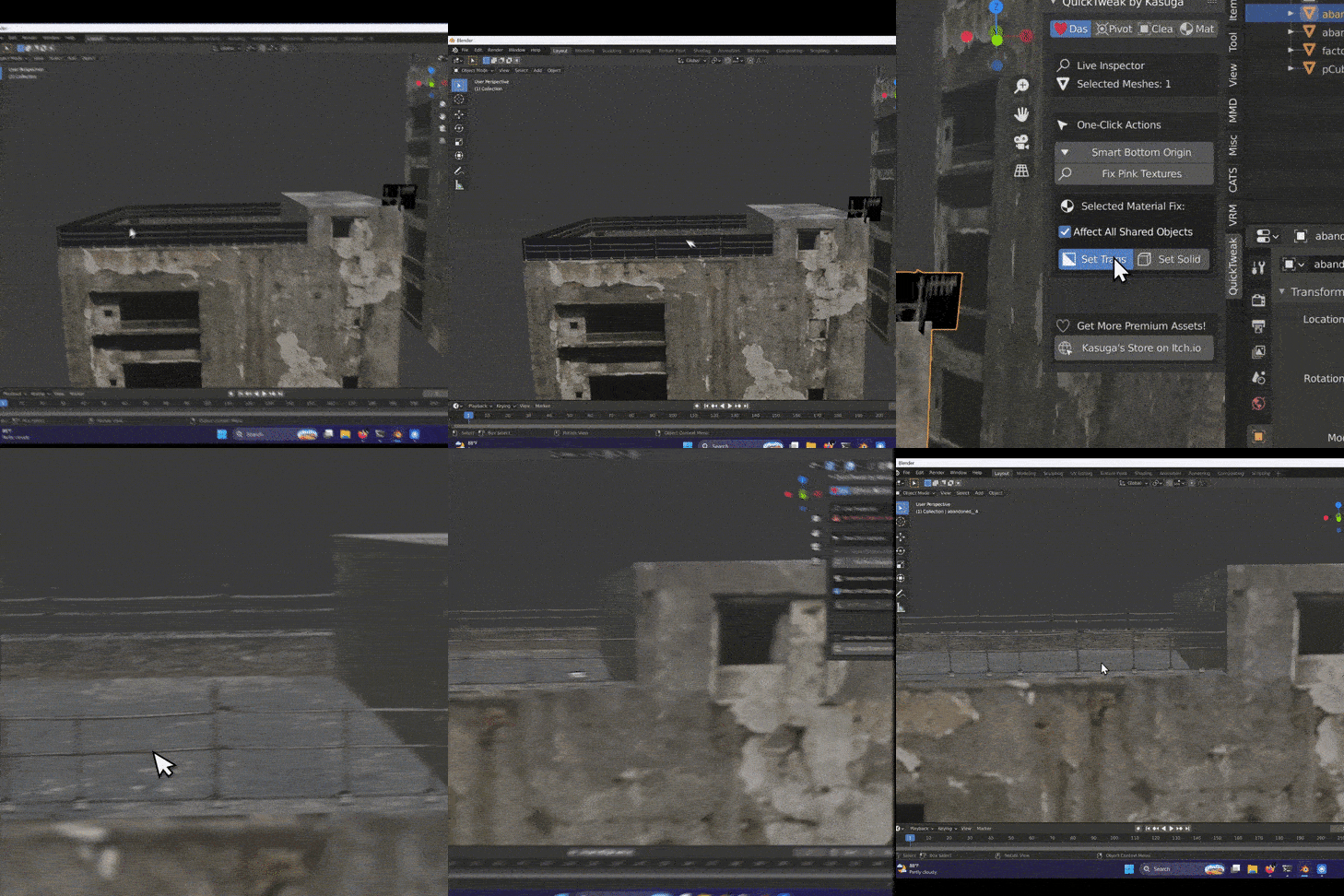
Sometimes the model has a completely messed up pivot. Sometimes the textures are missing and everything turns pink. Sometimes a transparent texture somehow shows up black. And then you end up spending more time getting the model ready than actually using it.
I made Quick Tweak to make those things faster.
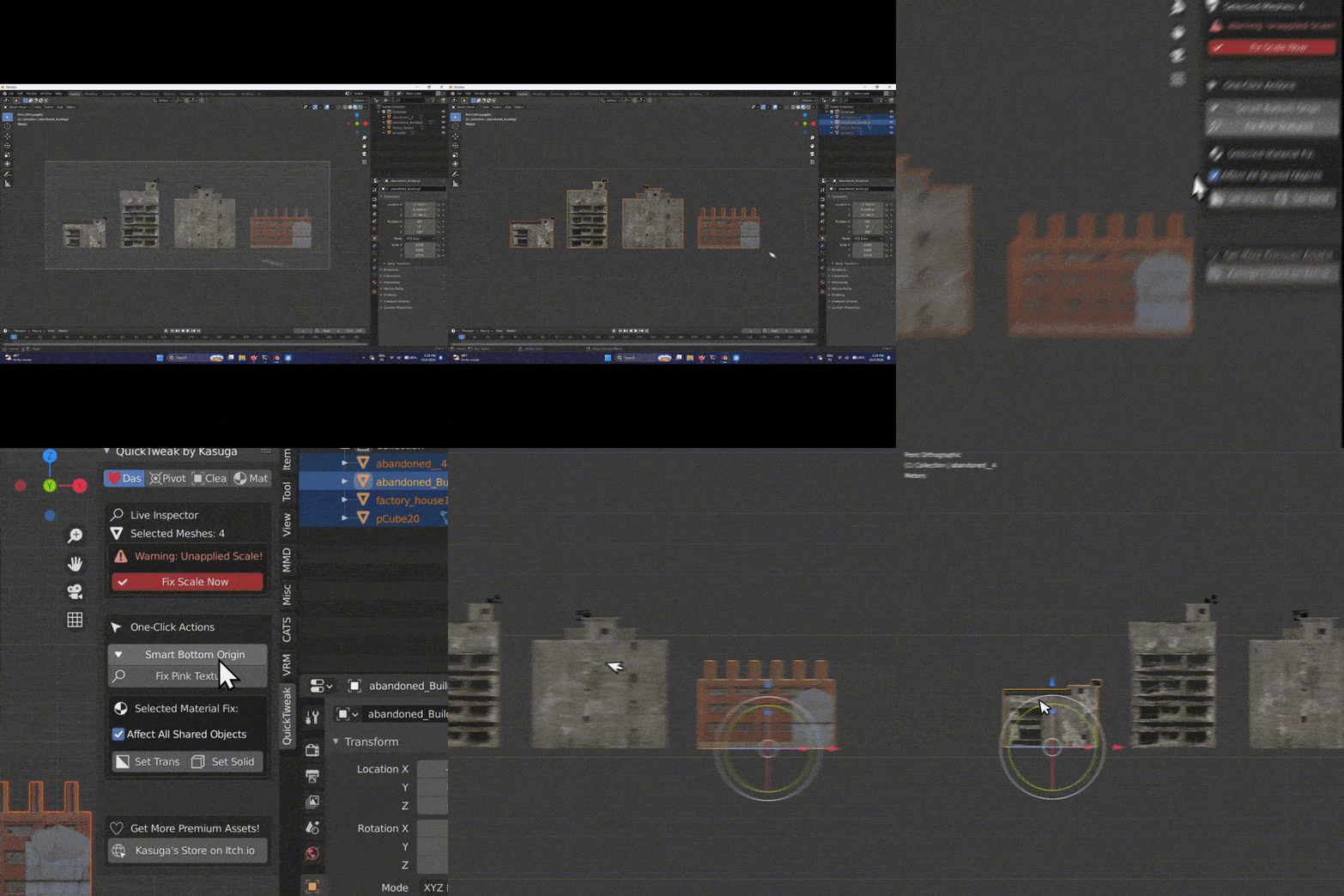
It gives you quick tools for some of the stuff I personally find annoying when working with imported models. You can set the pivot point with one click, fix pink textures, fix transparent textures, and quickly set up materials without having to spend ages getting everything ready.
There are also quick material presets for Glass, Water, Metal, Plastic, Glow and Matte, plus controls for things like Metallic, Roughness, Transmission, IOR and Emission if you want to tweak the material further.
It's a small tool, but if you work with a lot of downloaded 3D models, those little time savings can add up pretty quickly.
Quick Tweak is $3.
Spend less time getting imported models ready and more time actually working on them.
How to Install Quick Tweak
- Download the Quick Tweak
.zipfile. - Open Blender.
- Go to Edit → Preferences.
- Open Add-ons.
- Click Install... in the top-right.
- Select the Quick Tweak
.zipfile. - Click Install Add-on.
- Search for Quick Tweak and make sure the addon is enabled.
Purchase
In order to download this tool you must purchase it at or above the minimum price of $2.99 USD. You will get access to the following files:
Leave a comment
Log in with itch.io to leave a comment.