

PSX Render Studio
==============================================================
PSX Render Studio
Retro Turntable Rendering Utility
==============================================================
Ever wondered what your 3D models would look like if they were
rendered on the original PlayStation?
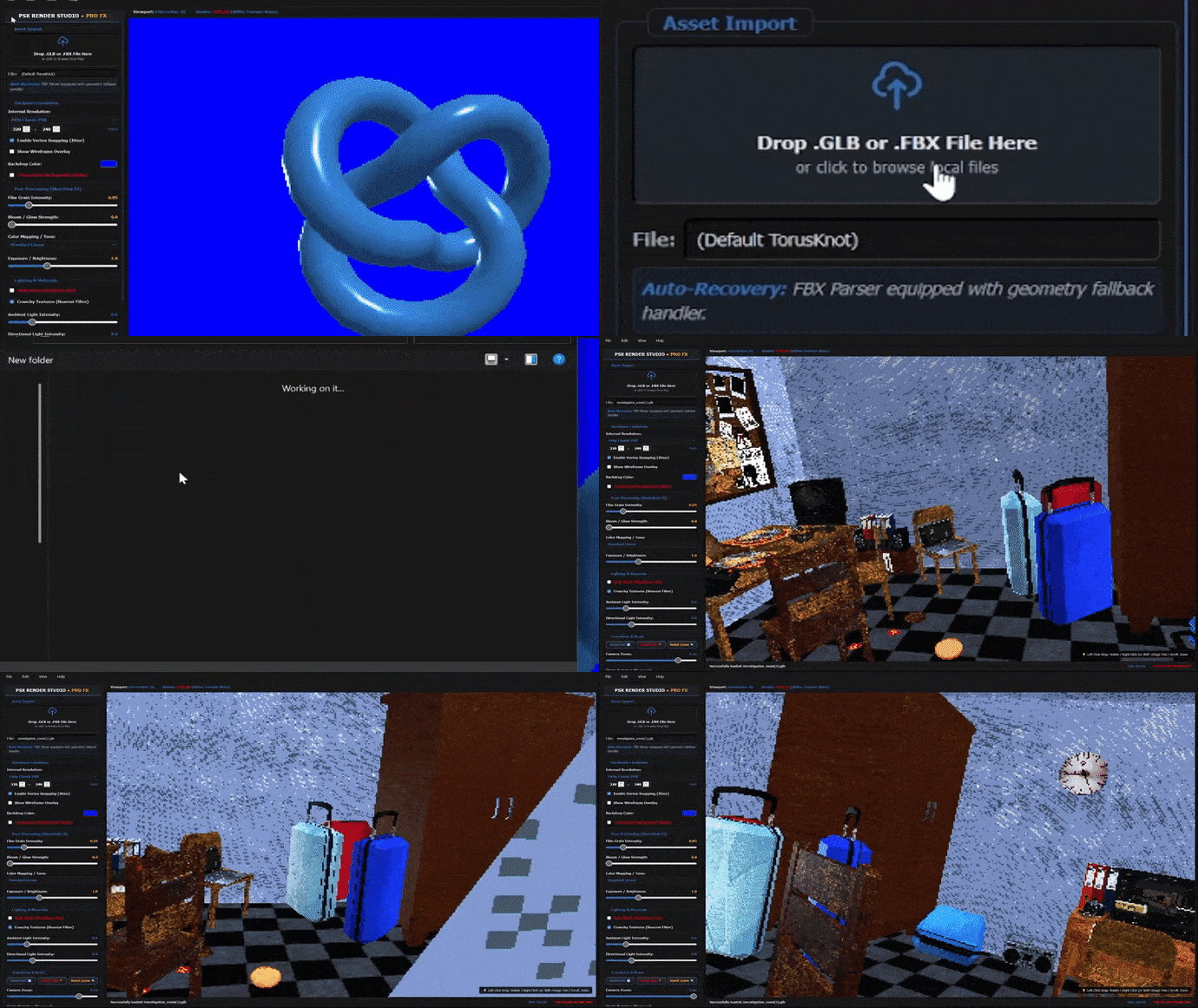
PSX Render Studio is a lightweight standalone application
designed specifically for creating authentic PSX-style
turntable renders. Instead of spending time setting up scenes,
cameras, animations, and render pipelines inside complex 3D
software, simply import your model, adjust the retro rendering
settings, and export a polished turntable animation in just a
few clicks.
Inspired by the visual characteristics of fifth-generation
console graphics, PSX Render Studio lets you recreate the
nostalgic look of classic 32-bit games through a collection of
hardware-inspired rendering effects. Preview every adjustment
instantly in real time while fine-tuning your model until it
looks exactly the way you imagined.
Whether you're creating previews for asset marketplaces,
building a portfolio, promoting an indie game, or simply
showing off your latest low-poly creation, PSX Render Studio
provides a fast and focused workflow dedicated entirely to
retro-style presentation.
OUR ANOTHER PSX RENDERING TOOL BUT WITH MORE FEATURES:
--------------------------------------------------------------
[ FEATURES ]
[*] Import GLB, GLTF and FBX models
[*] Dedicated real-time PSX turntable renderer
[*] Adjustable internal rendering resolution
[*] Vertex Snapping for classic geometry jitter
[*] Crunchy texture filtering
[*] Film Grain
[*] Bloom
[*] Color Mapping
[*] Exposure & Brightness controls
[*] Ambient & Directional lighting
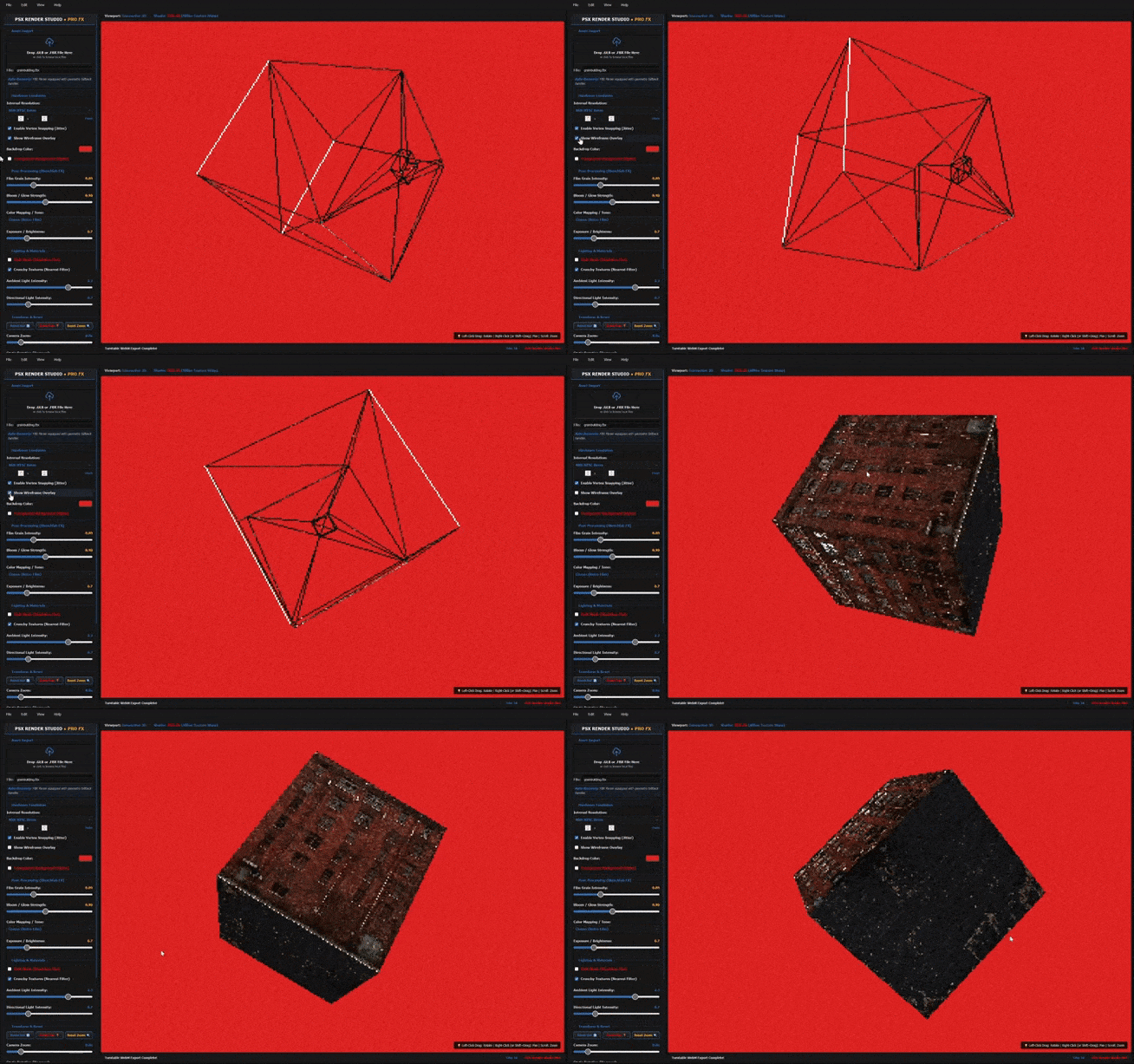
[*] Wireframe Overlay
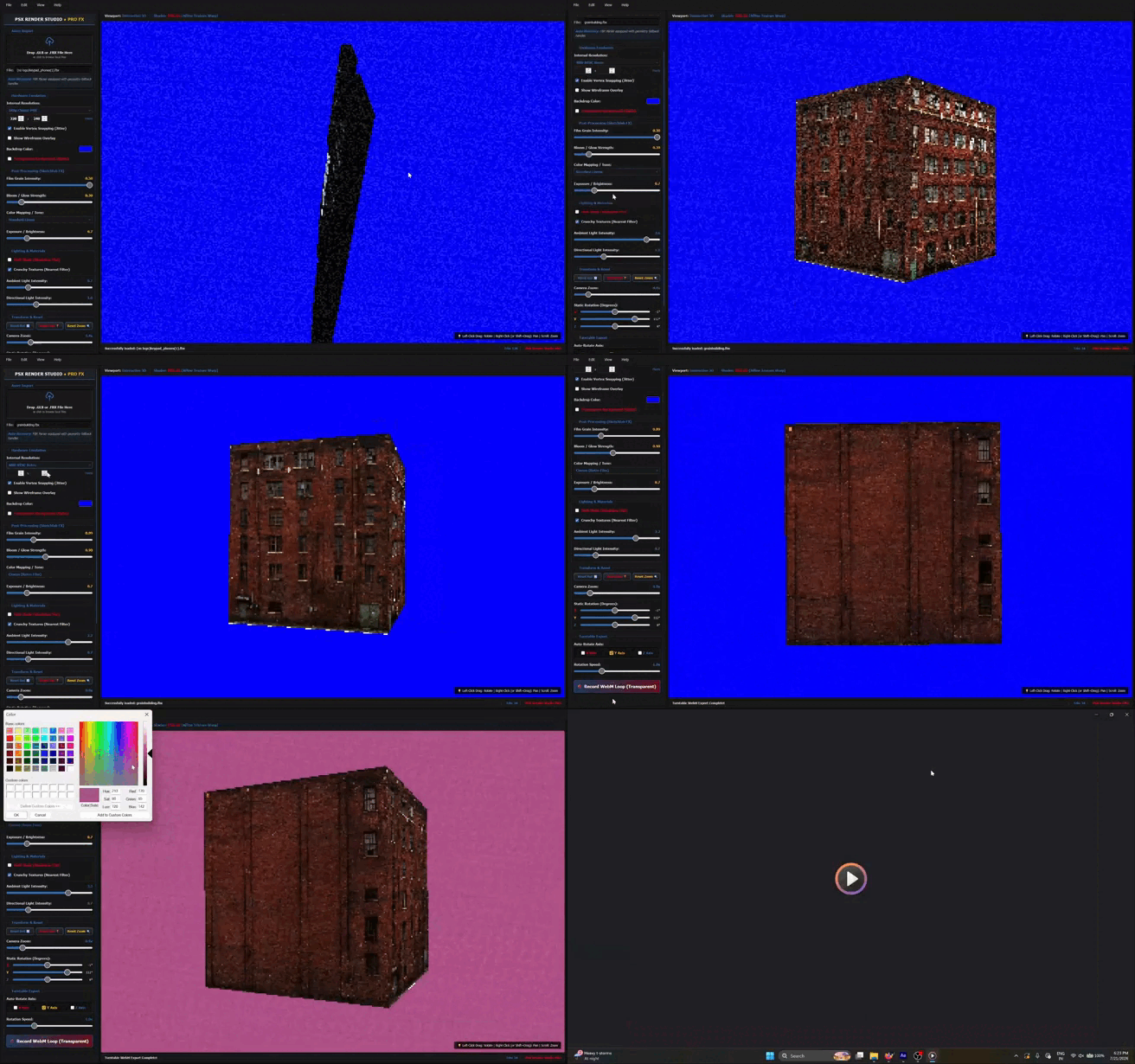
[*] Transparent Background rendering
[*] Interactive Camera controls
[*] Automatic Turntable Animation
[*] Adjustable Rotation Speed & Axis
[*] Transparent WebM Export
[*] Lightweight Standalone Application
--------------------------------------------------------------
[ PERFECT FOR ]
> Retro Game Developers
> Low-Poly Artists
> Asset Marketplace Previews
> Portfolio Showcases
> Promotional Videos
> Indie Studios
> Social Media Content
--------------------------------------------------------------
[ RECOMMENDED WORKFLOW ]
>> Export your model as GLB or GLTF.
>> Import it into PSX Render Studio.
>> Adjust the render settings until you're satisfied.
>> Export your turntable animation.
GLB/GLTF is the recommended file format for the best
compatibility and import experience.
FBX models are also supported. Since FBX files can vary between
different exporters, converting them to GLB using Blender or
another 3D application is recommended if you encounter import
issues.
--------------------------------------------------------------
[ WHY PSX RENDER STUDIO? ]
Unlike traditional 3D software filled with features unrelated
to presentation, PSX Render Studio focuses on one thing—and it
does it well.
Creating beautiful PlayStation-inspired turntable renders
quickly, consistently, and without unnecessary complexity.
Load your model.
Adjust the look.
Press Render.
Relive the golden age of 3D graphics.
--------------------------------------------------------------
[ STATUS ]
[OK] Renderer Initialized
[OK] Real-Time Preview Ready
[OK] Waiting For Model...
==============================================================
Leave a comment
Log in with itch.io to leave a comment.